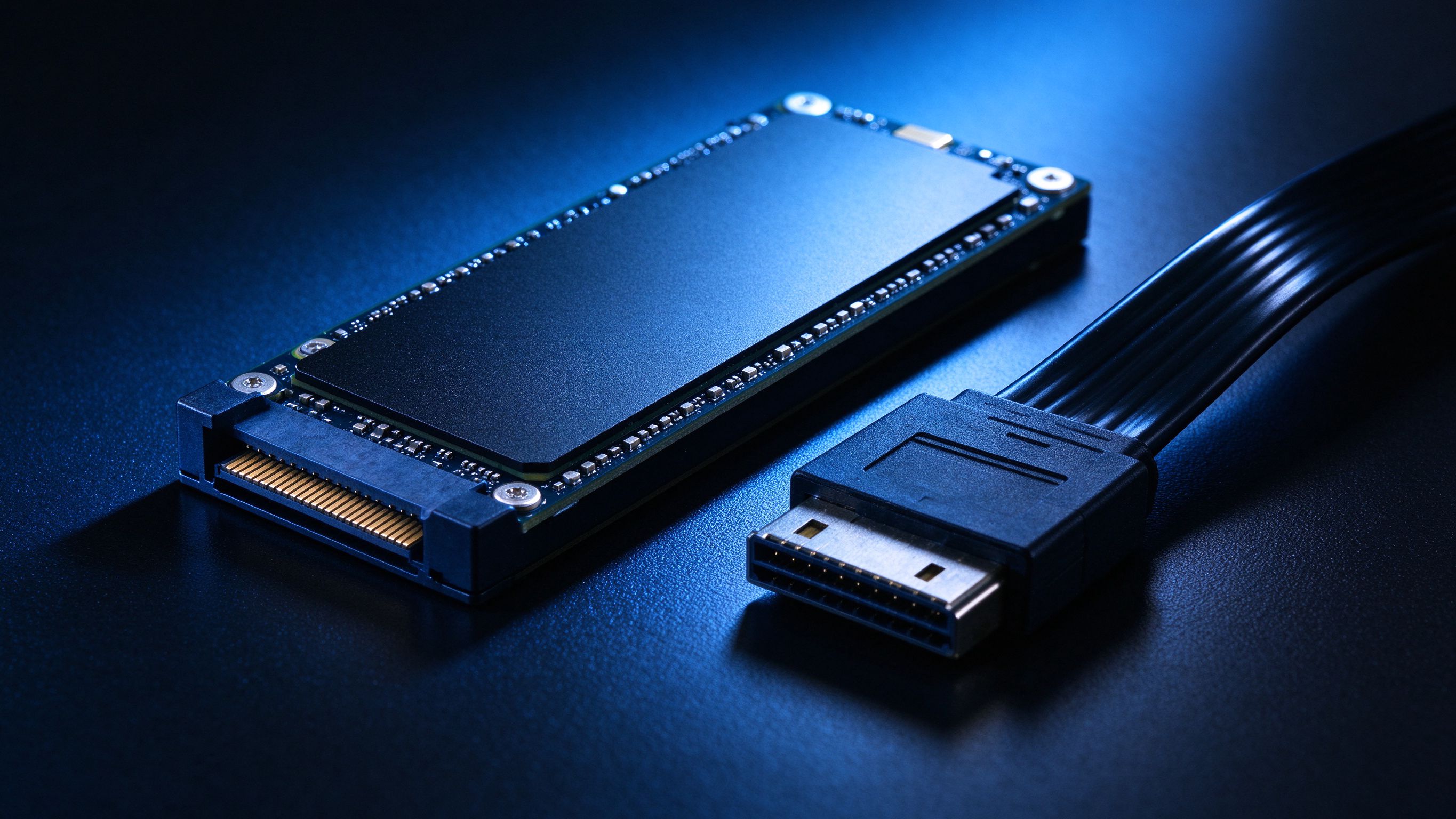
If your business laptop or desktop takes two minutes to boot and spins constantly when you open a spreadsheet, the problem is almost always the hard drive, not the computer. Swapping a spinning hard disk for a solid-state drive (SSD) is the single cheapest upgrade that transforms perceived speed. Boot times drop from minutes to seconds, application launches become instant, and the machine feels new again.
We recommend SSDs for every business machine we sell, and we can fit them to existing hardware where the chassis supports it. For machines that are three to five years old, an SSD plus a RAM bump often adds another two productive years before a replacement is worth considering.
If the machine supports an SSD and has at least 8GB of RAM, upgrade it. If it has a mechanical drive and 4GB of RAM, check whether the RAM is upgradeable; if it is not, budget for a replacement. We can help you make that call over the phone.
Whether you are planning a rollout, weighing options, or just want a second opinion, our team is happy to help - no pressure, no pushy sales.
More from Embody IT: Insights · Case Studies · FAQs
The cheapest performance win for ageing business PCs.
Boot and load times are dominated by disk speed. Swapping a hard drive for an SSD moves boot from minutes to seconds and makes an old machine feel new, at a fraction of replacement cost.
For machines three to five years old, an SSD plus a RAM bump often adds two productive years before replacement is worth considering.
Yes. We clone to the new SSD or do a clean build to your image, so the user keeps data and settings or gets a fresh, configured machine.
If the machine has an M.2 slot, NVMe is faster and similarly priced; otherwise SATA SSD is still the big win. We spec to the slot you have.