A twelve-staff professional practice was running on a five-year-old network: a single unmanaged switch, consumer-grade Wi-Fi that dropped in meeting rooms, and eight desktops that took minutes to boot. Staff were losing productivity every morning, and the two meeting rooms could not reliably project. The practice manager wanted a clean, future-proof refresh without disrupting billable hours.
We surveyed the existing cabling, replaced the unmanaged switch with a managed Gigabit switch, deployed two ceiling-mounted wireless access points for whole-floor coverage, and provisioned ten new business desktops. We pre-imaged every machine off-site so that on-site swap-out took less than an hour per workstation. Structured cable paths were labelled and tied back to a central patch panel, and the two meeting-room displays were connected with single-cable HDMI runs.
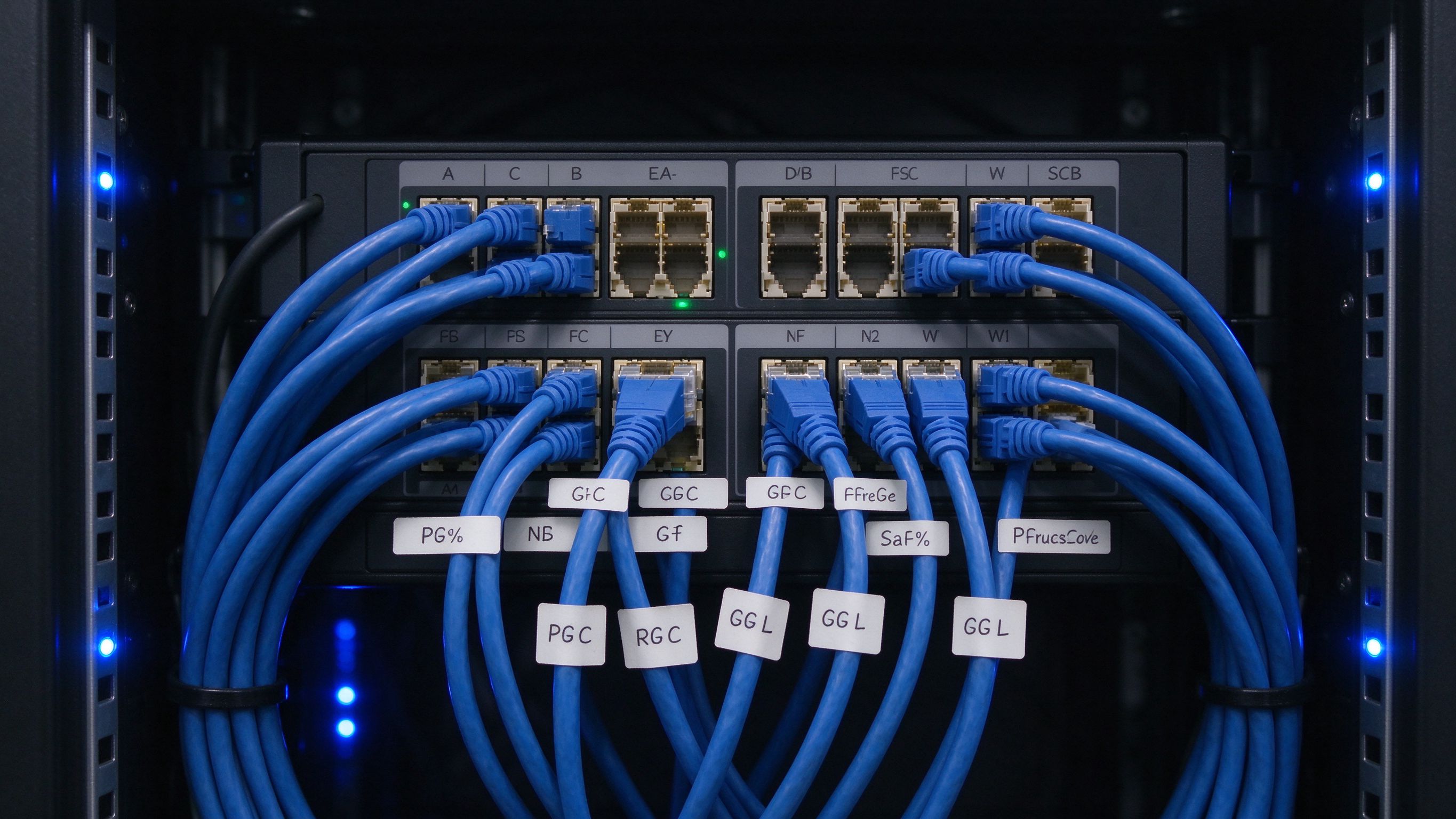

The main difficulty was that the existing wall ports had been patched incorrectly years earlier, which is why meeting-room connectivity was unreliable. We traced every port back to the patch panel, re-patched them correctly, and tested each link end-to-end. We also replaced a failing power adapter on the network switch that had been causing random reboots. Because we pre-imaged the desktops, staff walked in to machines already joined to the domain and configured for their role.
The practice manager now has a labelled, documented network that any future IT support vendor can read at a glance, and a three-year refresh cycle is planned.
Whether you are planning a rollout, weighing options, or just want a second opinion, our team is happy to help - no pressure, no pushy sales.
More from Embody IT: Insights · Case Studies · FAQs
From survey to whole-floor coverage with minimal downtime.
Design and off-site prep take most of the time; on-site cutover is typically a day or less for a small practice, scheduled to avoid disruption to billable hours.
Managed switching lets us segment traffic, prioritise critical services and see faults before users do, which an unmanaged switch cannot do.
We run single-cable, tested display links and verify each room before handover, so presenting is plug-and-go rather than a gamble.
Yes. Structured cabling is labelled and tied to a patch panel, with a port map so future changes are trivial.