A vocational training provider needed twenty laptops for a hands-on lab, together with a charging trolley and a repeatable imaging workflow. Laptops were shared across classes, had to be reset between cohorts, and had to run specialised training software without local administrator access for students.
We supplied twenty business-class laptops, a twenty-bay charging trolley, and a portable imaging drive. We created a master image with the training software, locked down student accounts, and deployed it to all twenty machines. We labelled each laptop by bay position so returns were fast and tidy.
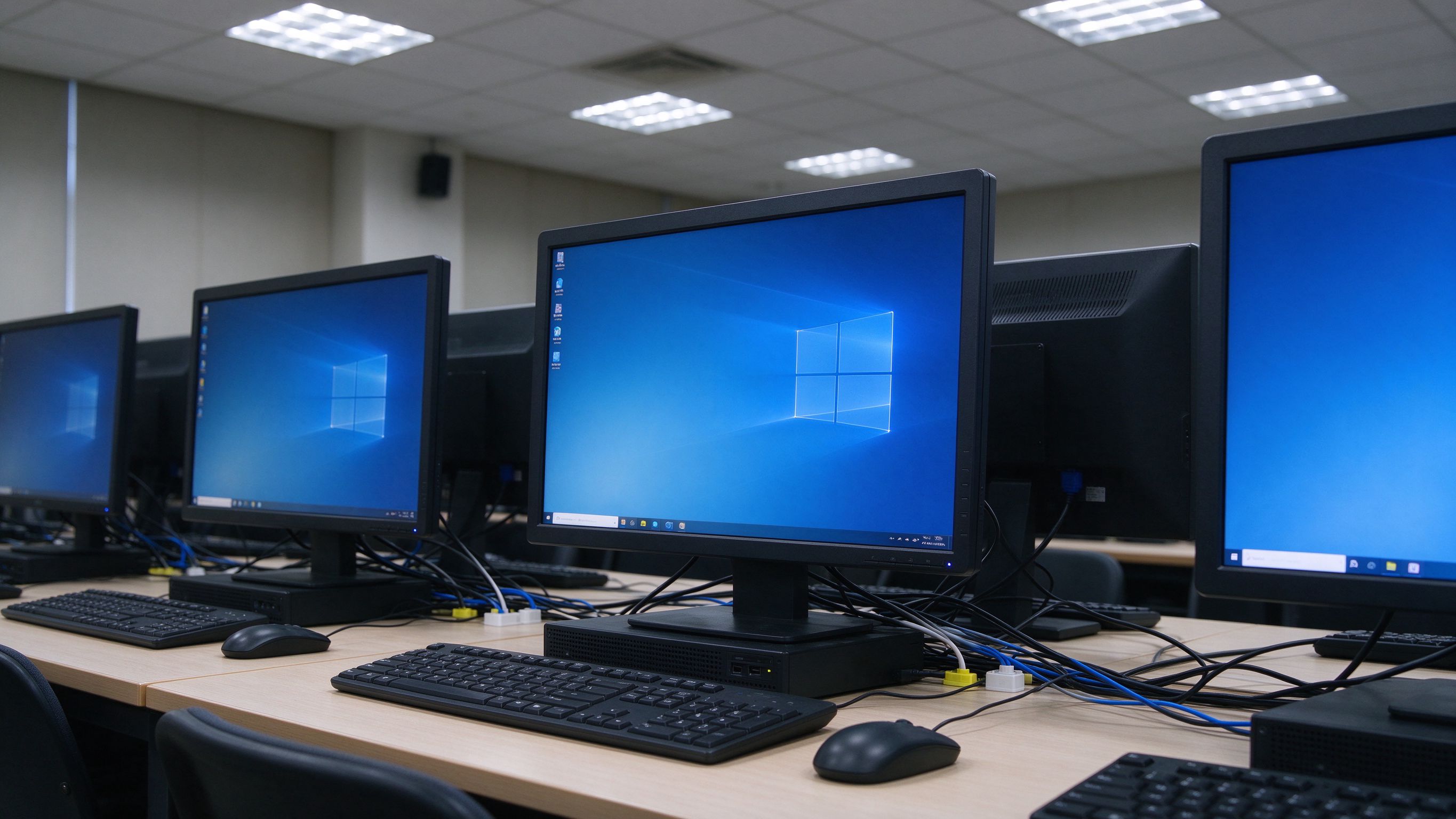
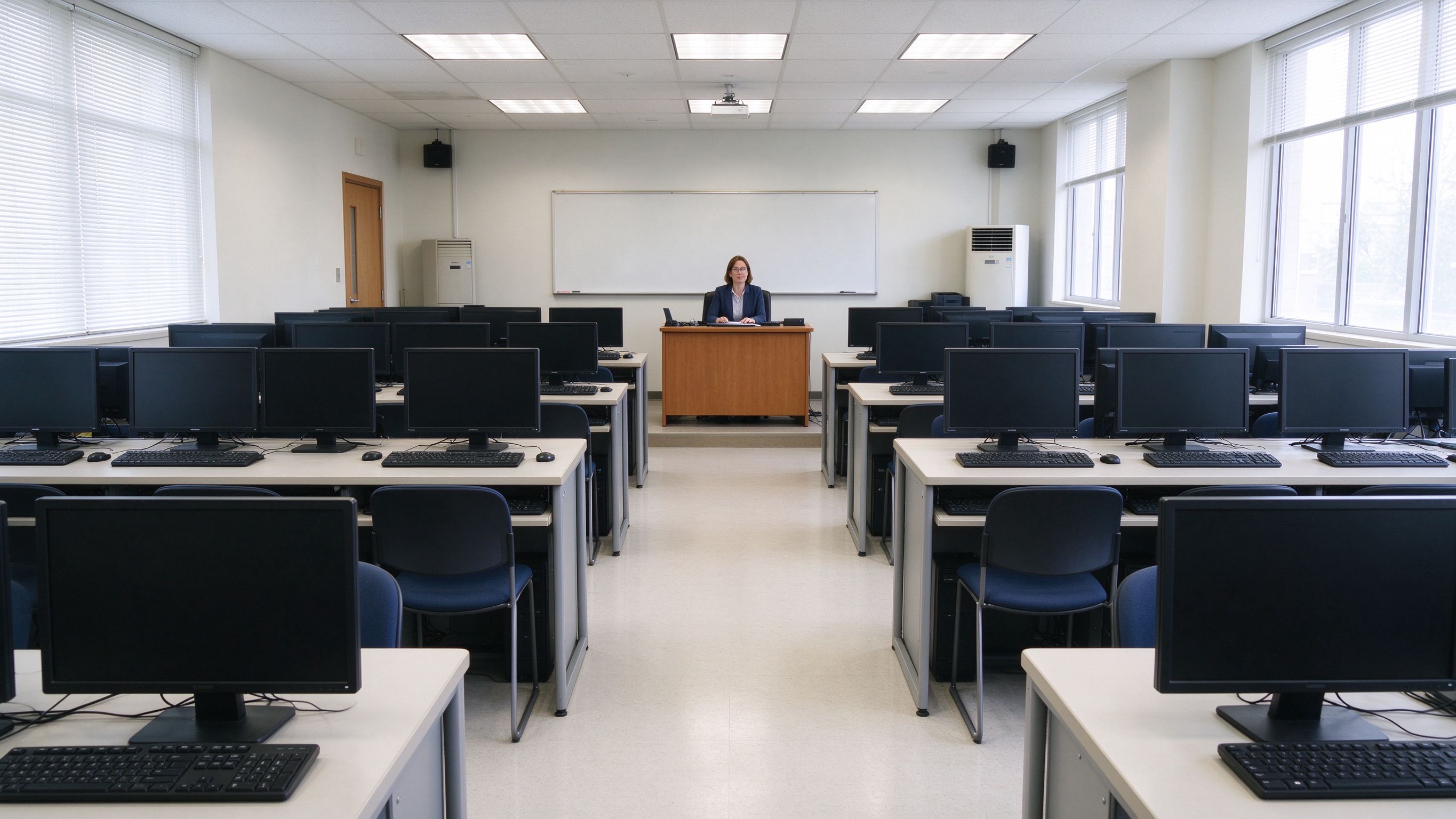
The training software required a specific runtime version that conflicted with default Windows updates. We deferred automatic updates on the master image and documented the freeze point so that future reimages remain consistent. We also configured the trolley to charge overnight so that every machine starts the day full.
Whether you are planning a rollout, weighing options, or just want a second opinion, our team is happy to help - no pressure, no pushy sales.
More from Embody IT: Insights · Case Studies · FAQs
Identical builds, easy reimaging and classroom reliability.
We deploy an identical, locked build across every laptop with the required training software, so any machine behaves the same for any student.
Yes. We set up a standard image and reimage process so a lab is reset to a clean state fast, which is essential for exams and mixed courses.
We use central management and batch configuration so enrolment, updates and reporting scale to a full lab without touching each machine by hand.
We tag and register each device and can enable tracking and lockout so a missing laptop is locatable and useless to a thief.